A Very Simple Glitch Art Tutorial Using Wordpad
art·@granturismo89·
0.000 HBDA Very Simple Glitch Art Tutorial Using Wordpad
Hello Steemians, today I am going to show you how to create another neat glitch effect. This effect is very simple and can be done by anyone using a windows based pc.  **Step 1** Find an image you want to use, for this tutorial, I will be using this picture of Satoshi Nakamoto.  Copy or save the image and open it up in MSPaint, or any image software that will allow you to save as a bitmap (.bmp) file. Save that .bmp in a safe place. **Step 2** Open Wordpad, go to File > Open and navigate to the directory you saved your bitmap file. Make sure "all documents" is selected. 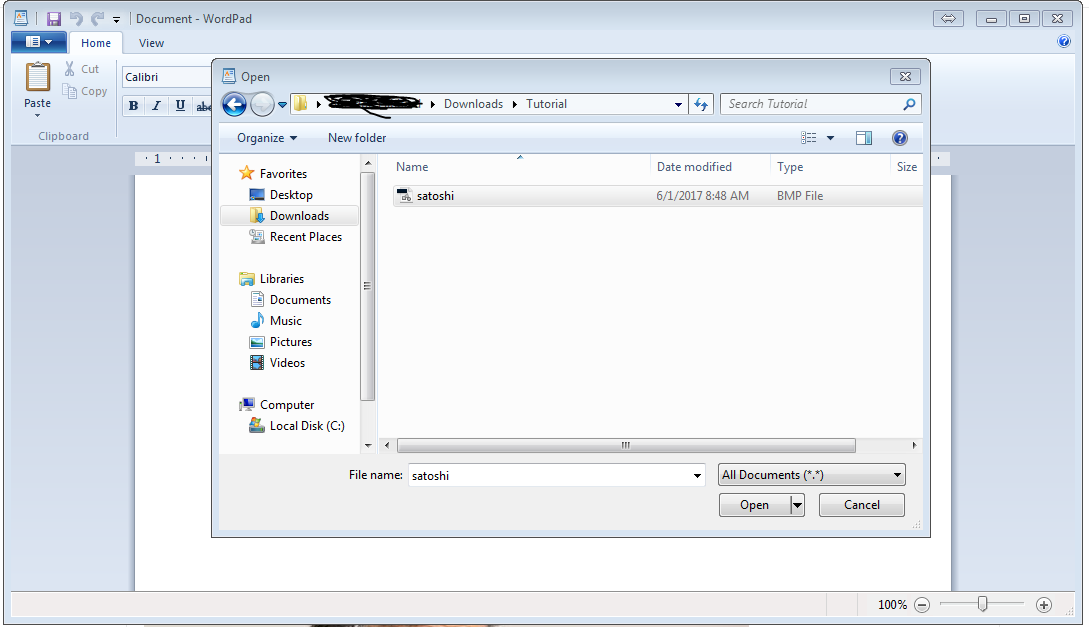 You should now see something like this. 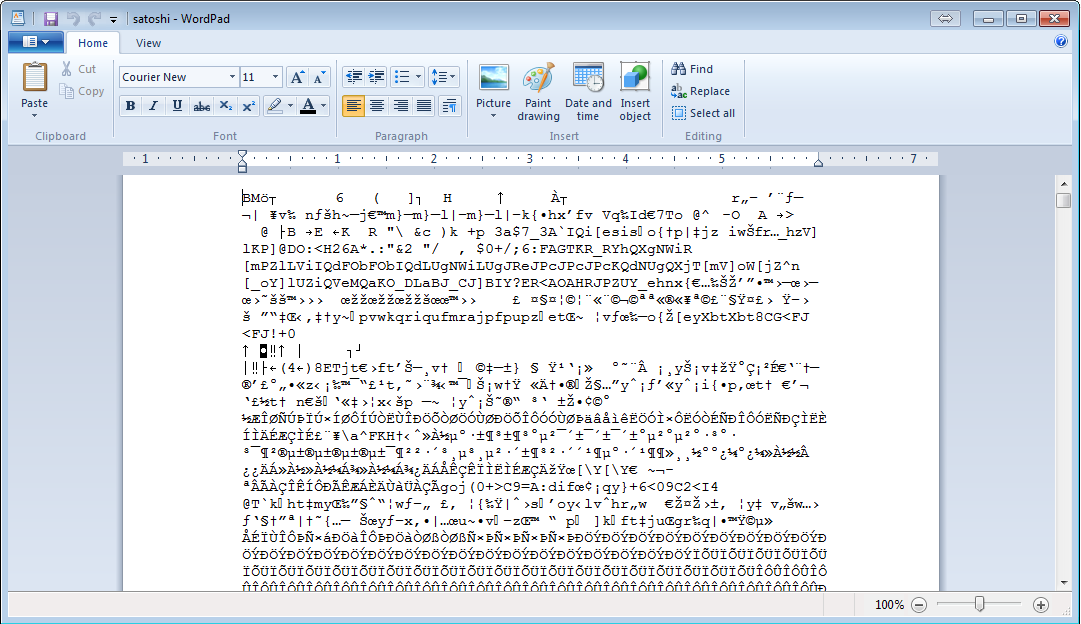 That's normal, trust me. **Step 3** Save the image, that's all. Don't Save As or change the file type. After saving close Wordpad, and reopen your image in paint or any other image viewer.  This is what I got. Post your results below!
👍 granturismo89, ducky9605, bedroomshaman, shaka, pgarcgo, pollux.one, bellastella, gargon, steempire, steemnet, homo.steemiensis, sancho.panza, jgcastrillo19, dulcinea, wartrapa, elyaque, handsolo, uwelang, titin, freiheit50, teo, juliamateo, albagargon, mdcomes, alfredozofio, juanmiguelsalas, loreennaa, aniestudio, ivan-perez-anies, teacher, nelyp, heiditravels, luisucv34, carlos-cabeza, tincho, moisesmcardona, assus, kevinwong, nomadnessie, efrageek, kilianmiguel, fidel-castro, tamim, bola, pharesim, leomichael, reisolutions, nerdzerker, bonesaw, emanuellindqvist,