Multiplicity With Monkey-B 🙈🙊🙉 Cloning My Daughter With GIMP [A Tutorial]
hive-194913·@justinparke·
0.000 HBDMultiplicity With Monkey-B 🙈🙊🙉 Cloning My Daughter With GIMP [A Tutorial]
<center></center> I was bored today so I decided to make a couple clones of my daughter using a camera, tripod, and GIMP image editing software. ___ # **IS IT SAFE TO CLONE A MONKEY? 🤷♂️** <center>https://media.giphy.com/media/cJMlR1SsCSkUjVY3iK/giphy.gif</center> **It all started with these three shots, where I encouraged Monkey-B to try out some poses. It looks as though she chose cold, cheeky, and pensive, for her moods.** ## **🙈 MONKEY 1** <center>[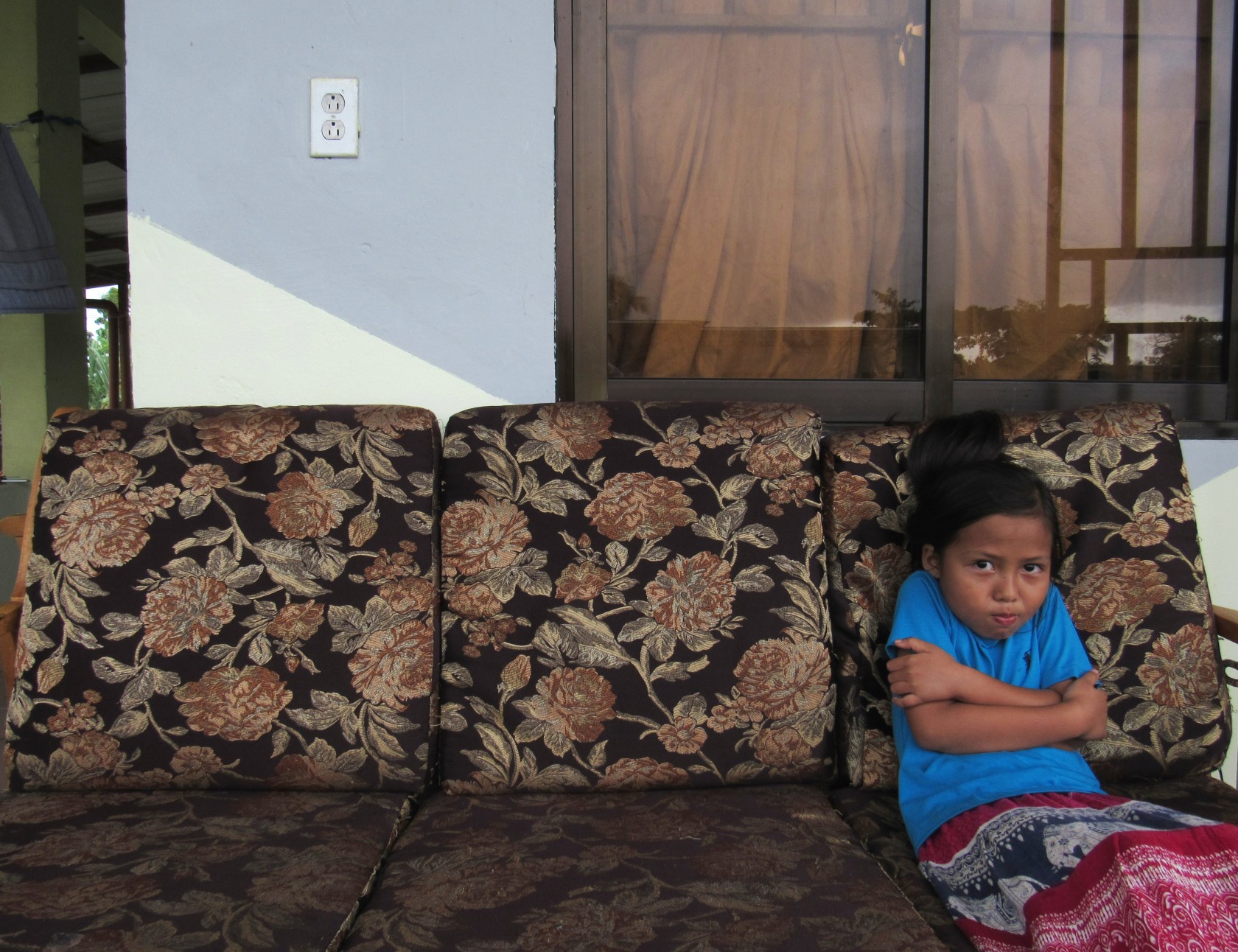](https://files.peakd.com/file/peakd-hive/justinparke/23xeb72vQhqiJCGQ8bFFu32tGgMqbqP2rEfxwPS2pt7tpdxP8198HwdPgdNEMCWXun2oE)</center> # **🙊 MONKEY 2** <center>[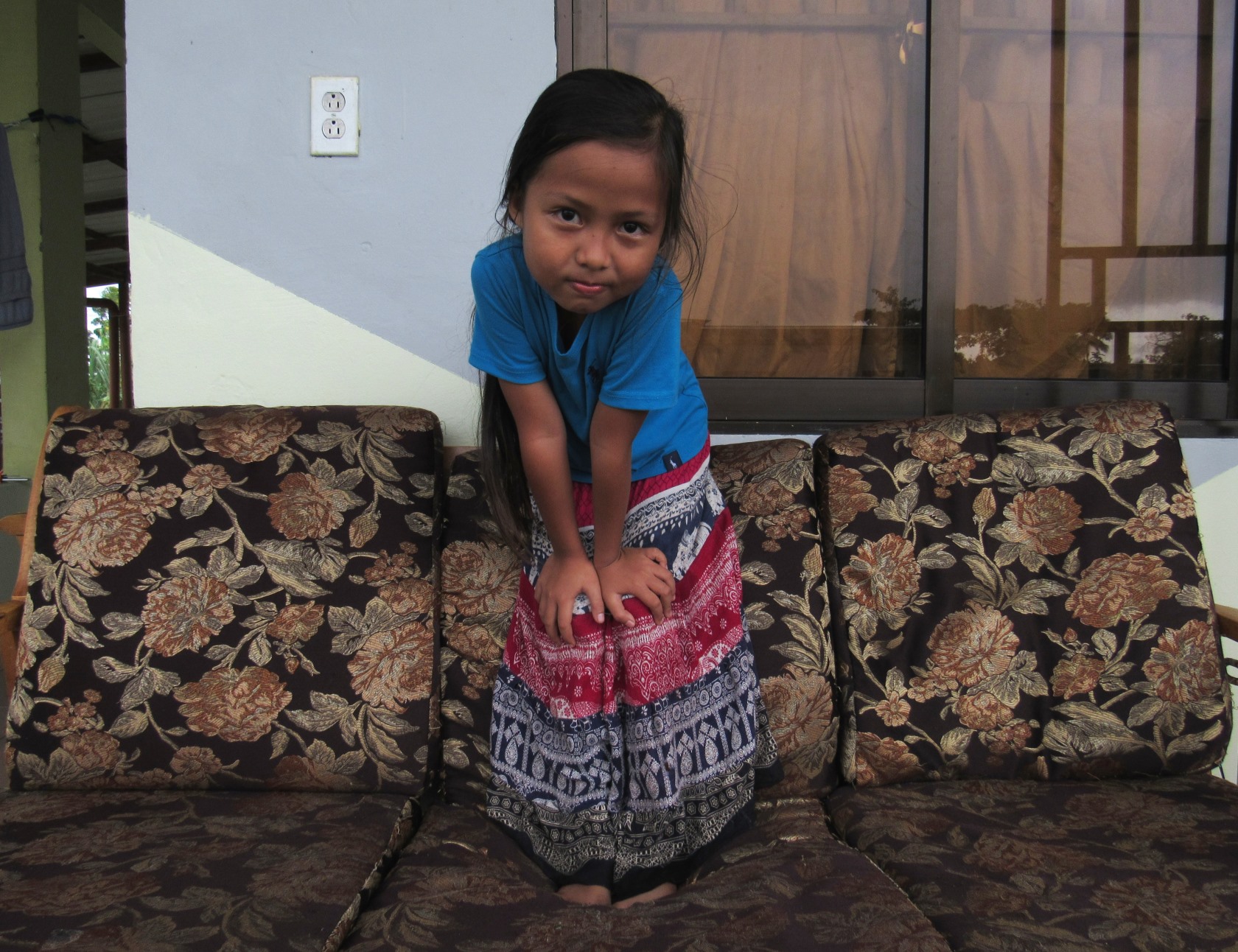](https://files.peakd.com/file/peakd-hive/justinparke/23xKmbY4mSaeNi8gALNcU69FC61rBb81nYddmrxN9hkyEFskw9jbtoc21WmE8KLS3t61z)</center> # **🙉 MONKEY 3** <center>[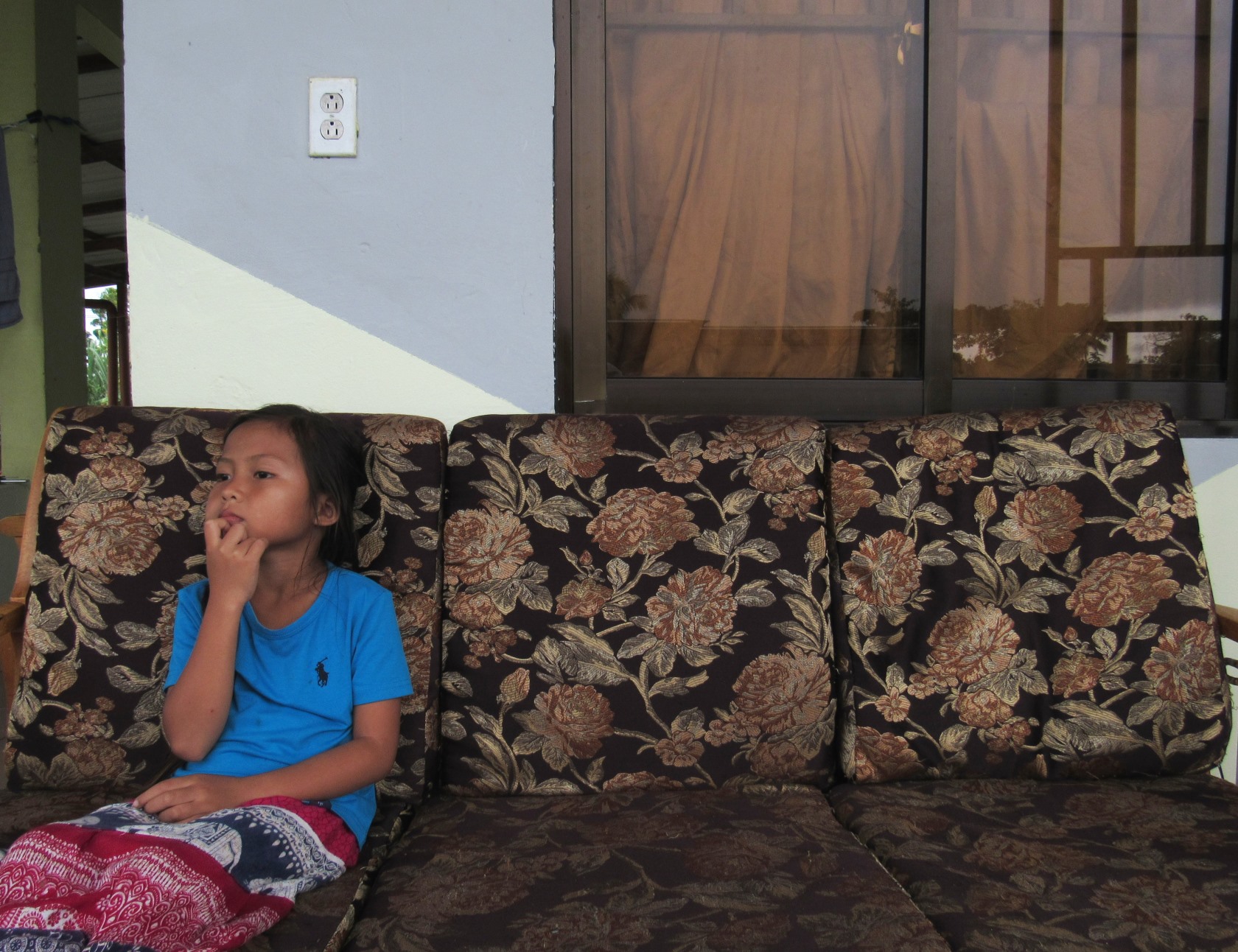](https://files.peakd.com/file/peakd-hive/justinparke/23xAPgdvehdHCFD61AVQ7gLAmWer1SpD3Hti5Fi9SgfCjnvuac4DeEw2Tv5bLRKF9nfKr)</center> # **🧬 LET'S GET TO CLONING** ### **STEP 1** <center>[]()</center> I imported all three images into GIMP and used the free-select/lasso tool to crop two Sakanas from their background. ### **STEP 2** <center>[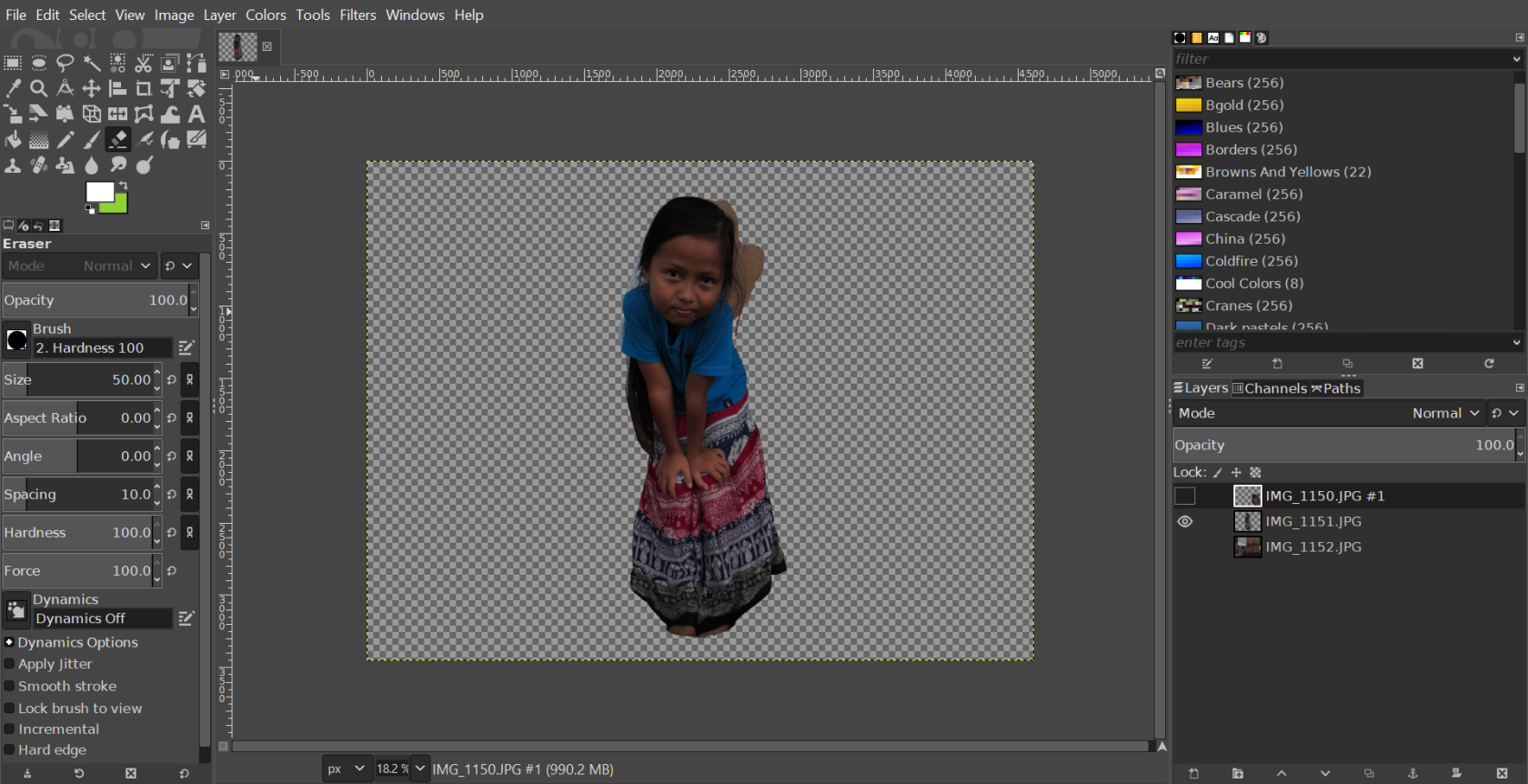](https://files.peakd.com/file/peakd-hive/justinparke/23tSKnGvhq9TYJoNkG5m14xkdchkkLN4xkcJk4NrA4quisYqN4U7WDPpfgTwig1YeKCuJ.png)</center> I used the free-select tool to outline Sakana in this layer, then inverted the selection and deleted everything but what you see. Keep in mind you don't need to be accurate with the free select tool because the backgrounds of the images are the same, and should blend smoothly if your tripod wasn't disturbed. ### **STEP 3** <center>[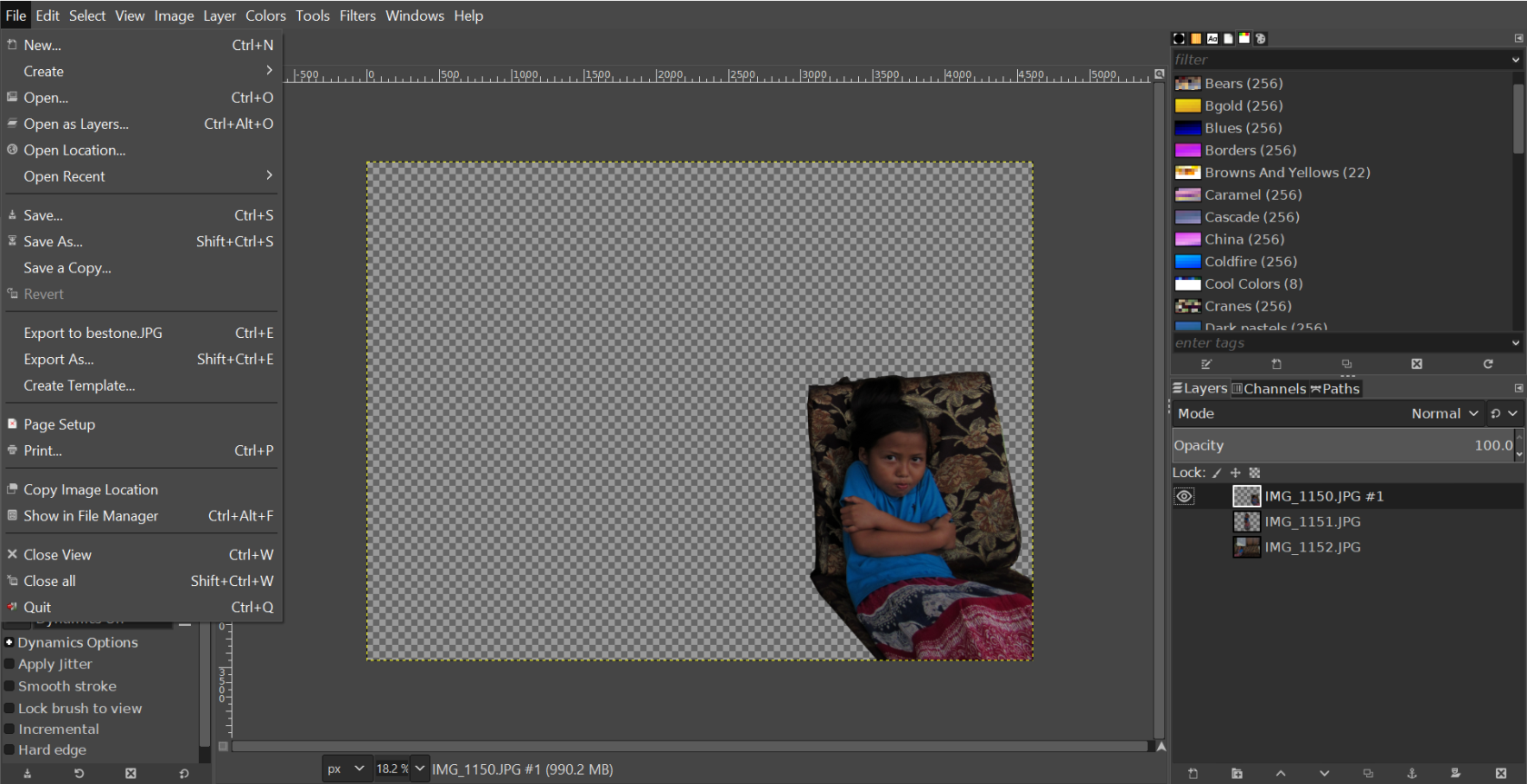](https://files.peakd.com/file/peakd-hive/justinparke/23tbiSeAsMSWLjDdHYMVBKFt1JA1nMe5xAdRuCbUoeDa7tZ78BRdpjUhsq9oXGDPpaAkC.png)</center> I repeated STEP 2 with the other layer, leaving only the third layer on the bottom with a complete unaltered background. ### **STEP 4** <center>[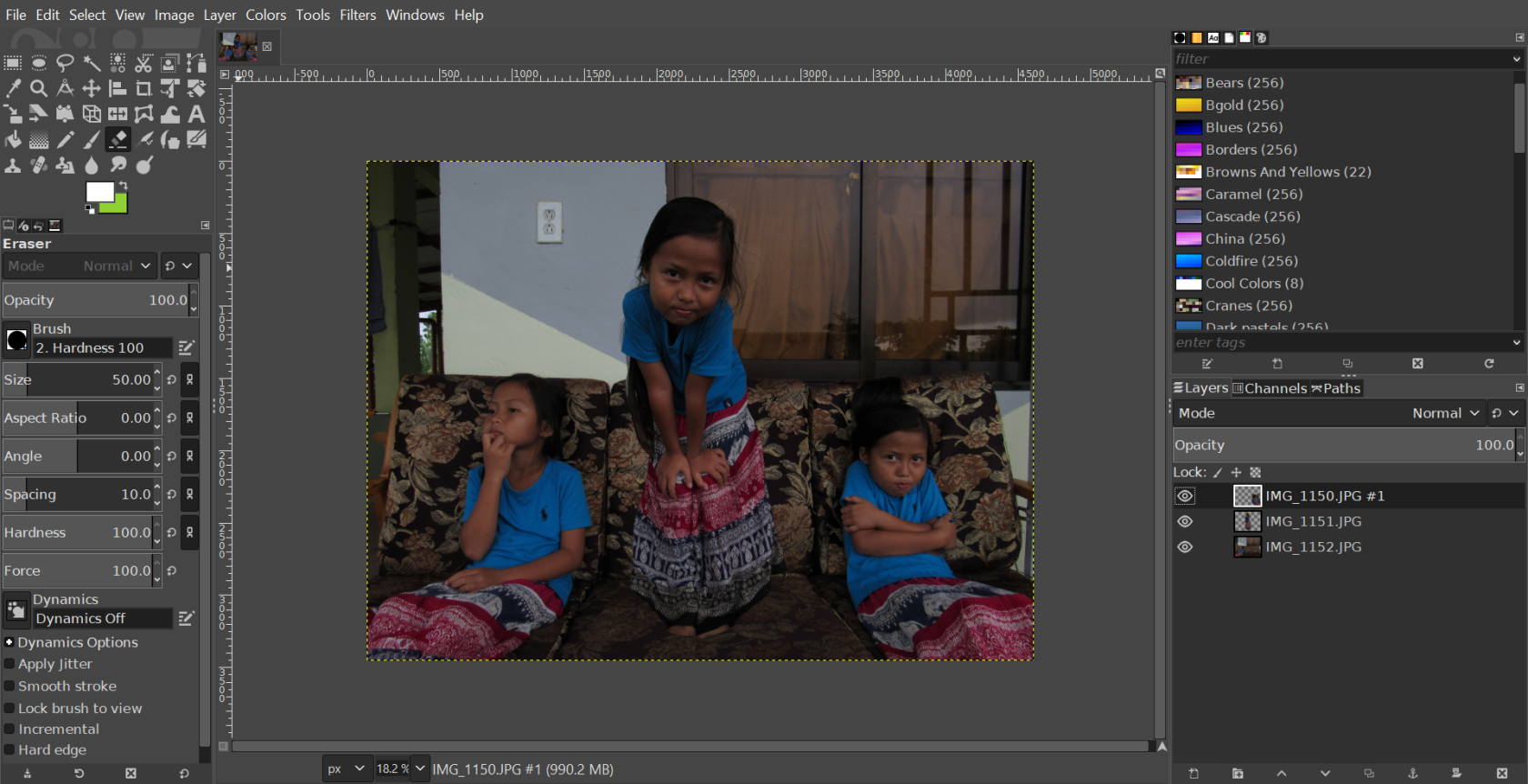](https://files.peakd.com/file/peakd-hive/justinparke/23tGc5vPs8QeqqhrJZBXpyiP51zuufXG76VjLVVmY8nfj5qcgbsf9RAvHKfhatjS9Yu5v.png)</center> After completing all the above steps, I made all three layers visible, then exported the image to my desktop, where I then adjusted the brightness, contrast, and some other settings in a different program. # **✨ THE END RESULT 📷** <center>[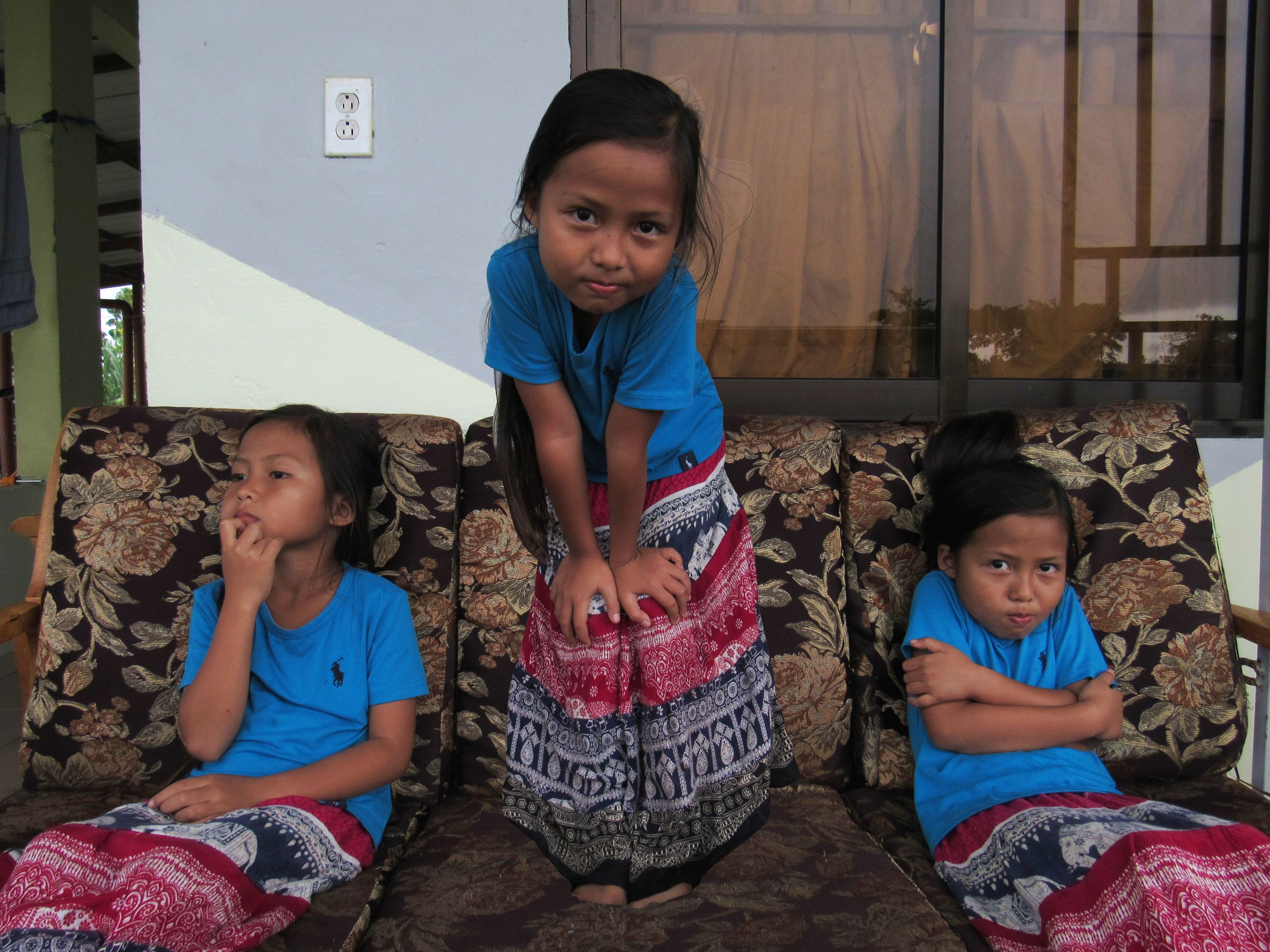](https://files.peakd.com/file/peakd-hive/justinparke/Eonj9d5wgKiCARmu6dpRv5XDkWomqmB7EK1APiUdHpmQceiTPNh2MrnGGwdsHkfkBJk)</center> This is the final edited photo in full resolution. Monkey-B is very photogenic, and she really enjoyed partaking in this experiment and seeing the end product. I'll definitely be experimenting more in the future with this photo editing technique. ___ <center><h4>**🙏 THANKS FOR READING 🙏**</h4></center><center></h5>**If you enjoyed this post, please upvote and reblog.**</h5></center> <center> |<center></center><center><sup>**Dad**</sup></center><center><sup>**@JustinParke**</sup></center>|<center></center><center><sup>**Mom**</sup></center><center><sup>**@SreyPov**</sup></center>|<center></center>|<center></center><center><sup>**Srey-Yuu**</sup></center><center><sup>**@KidSisters**</sup></center>|<center></center><center><sup>**Monkey B**</sup></center><center><sup>**@KidSisters**</sup></center>| |---|---|---|---|---| <center>[**CLICK HERE TO JOIN HIVE AND START EARNING CRYPTO LIKE US**](https://hiveonboard.com?ref=justinparke)<br>[](https://hiveonboard.com?ref=justinparke)</center>
👍 botony, rpi, tonimontana.neo, toni.ggame, toni.ccc, toni.pal, apx, crc, adumbrate, clockviper, tankadiary, harryji, reggaejahm, smokerings, shanibeer, jadnven, abh12345.medi, ysg123, roelandp, reggaesteem, hatta.jahm, abh12345, rehan.blog, jayna, philnewton, tobias-g, quello, trincowski, heidimarie, steem-holder, karja, anjana77, aleister, pixelfan, ctime, themarkymark, alphacore, intacto, buildawhale, upmyvote, poshbot, therealwolf, recoveryinc, itinerantph, makerhacks, smartsteem, movement19, tombstone, epicdice, mitty, asa-raw, pdnejoh, uzumymw, sreypov, samotrader, edgarsart, portugalcoin, votebetting, steemitcuration, rus-lifestyle, hivebuilder, hivebuilderteam, dying, samotonakatoshi, rufruf, redes, kidsisters, ripazha, canna-curate, abdul.qadir, fun2learn, conectionbot, jgb, theterminal, jumpjet, jk6276.tribes, motherlode, anarcist69, amberyooper, bluntsmasha, paradigmprospect, davidamsterdam, natha93, doctorspence, veteranforcrypto, motherofalegend, bengiles, athunderstruck, cowpatty, deanpiecka, bluemaskman, weedcash, grannabis, coinlogic.online, groove-logic, almightymelon, chubb149, gloriaolar, amitsharma, suheri, fixedbydoc, canna-collective, drhoofman, bifbeans, tryskele, richardfyates, jim888, yayogerardo, ambiguity, hashkings, meanbees, truthabides, derekrichardson, hesoyam, asnaeb, baguvix, taintedblood, hivelist, ganjafarmer, pradeepdee6, thahodler, qwoyn, amy-goodrich, sapphic, joshman, joshmansters, joshmania, snoochieboochies, abbenay, batman0916, superwoman916, captainquack22, shinoxl, fruityfruitz, da-dawn, rozku, opochtli, johncarpenter, skatergirl, bawltricka, kiwibloke, canadian-coconut, dappstats, cryptogambit, wolfofnostreet, saffisara, blackberryskunk, siniceku, angryman, hive-168088, maxwellmarcusart, roninrelax, rarej, tanjakolader, investegg, sbi5, sbi-tokens, keco, fernandosoder, carolynstahl, jeanlucsr, stellify, wonderwow, bigsambucca, wil.metcalfe, edprivat, rubido,