Brief Overview of Ethereum Multisig Wallets
ethereum·@kennyrowe·
0.000 HBDBrief Overview of Ethereum Multisig Wallets
 One of the best ways to manage Ethereum based crypto assets is the multisig wallet. A multisig wallet is a smart contract that defines the requirements for moving funds or interacting with other smart contracts. They are called multisig because they require the cryptographic signatures from multiple addresses to be considered valid. These address can be controlled by a single individual, multiple individuals, hardware wallets, cold wallets, third party wallets like [metamask](https://metamask.io/), or combinations of each. There are a few options to choose from, each of which has its pros and cons depending on the use case. It should be noted that because multisig wallets are designed to secure funds, they are also targets of malicious hacking, so if a large sum of money is being managed more due diligence should be taken before committing to any specific option. This article describes my personal experience using various Ethereum multisig wallets. I have used each of these wallets, but some I have used more than others. This is not meant to be an endorsement of any one wallet over another, it is simply my impressions of each and their possible use applications. # Mist Wallet: 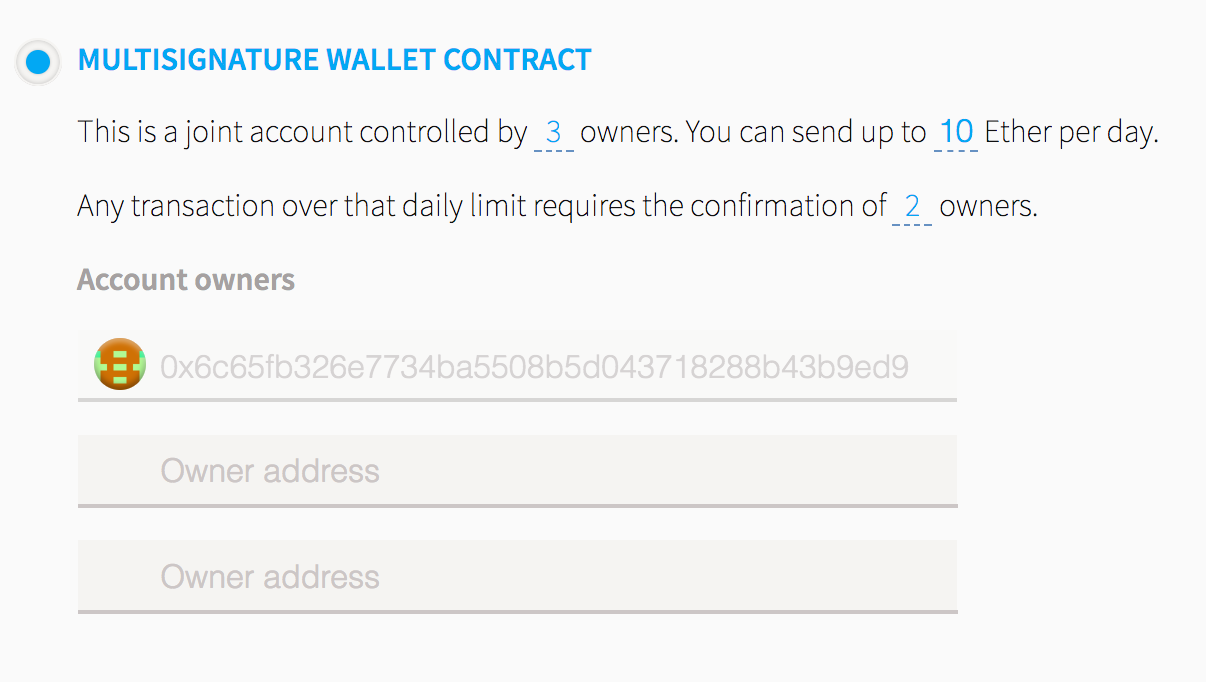 The mist wallet is a mainstay of the Ethereum blockchain. It was the first wallet available and is used widely by the community. It is also the only wallet supported directly by the Ethereum foundation. **Pros:** - Only official multisig provided by the Ethereum foundation - Daily ETH limits - Can add and remove members - Can manage ERC20 tokens **Cons:** - Not designed for contract interactions - Contract interface is a little clunky **Best Use Case:** - Personal use **Links:** https://github.com/ethereum/mist/releases https://wallet.ethereum.org/ (requires [MetaMask](https://chrome.google.com/webstore/detail/metamask/nkbihfbeogaeaoehlefnkodbefgpgknn) or [Parity](https://chrome.google.com/webstore/detail/parity-ethereum-integrati/himekenlppkgeaoeddcliojfddemadig) browser extension) # Parity: 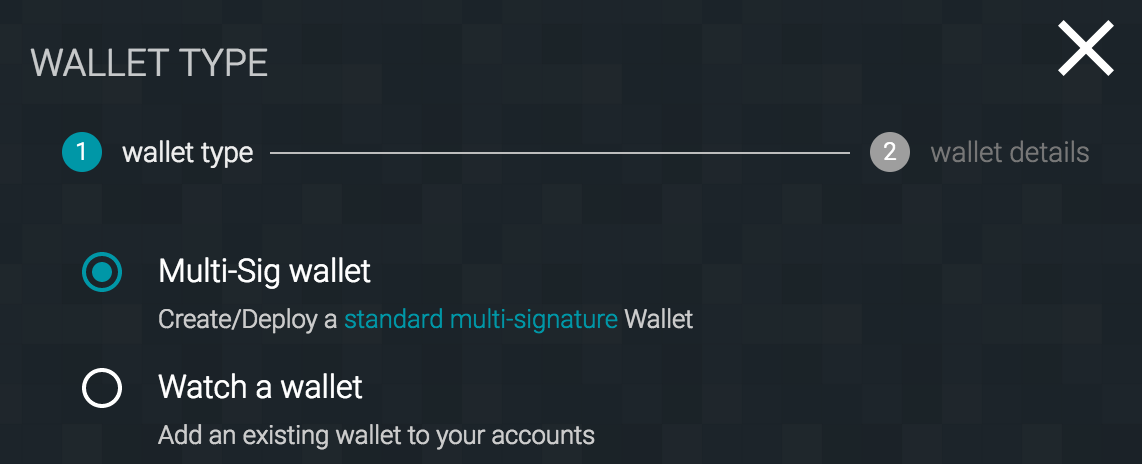 Parity is one of the most popular Ethereum clients, and it offers a lot of great features. One of those features is the option to deploy a multisig wallet. The wallet was designed most for securing ETH transfers, but it can also manage ERC20 tokens. **Pros:** - Built into Parity Client - Supports hardware wallets - ETH Withdrawal limits - Supports ERC20 tokens **Cons:** - [Has experienced a major hack](https://blog.zeppelin.solutions/on-the-parity-wallet-multisig-hack-405a8c12e8f7) - Large complex code base - Not designed for contract interactions **Best Use Case:** - Personal use **Links:** - [Parity Client](https://parity.io/parity.html) # DS-Group: ``` Usage: ds-group <command> <group> [<args>] or: ds-group <command> --help Propose, confirm and trigger DSGroup multisig actions. Commands: action print information about a multisig action confirm confirm a proposed multisig action ls list already-proposed multisig actions propose propose a new multisig action trigger trigger a confirmed multisig action verify verify the meaning of a multisig action ``` <br> DS-group is the only command line tool available that I know of in the Ethereum space. This is important for some applications where actions need to be executed on a remote server. **Pros:** - Command line interface - All actions have an expiration **Cons:** - No graphical user interface - Cannot add or remove members **Best Use Case:** - Business use **Links:** - https://github.com/dapphub/ds-group (Requires [dapp](http://dapp.tools/) to be installed) # Gnosis:  The Gnosis wallet is quickly becoming the default option for multisig wallets. It's well designed and offers a wide range of features and functionalities. As of the time of this writing over $2,000,000,000 worth of value is currently secured using the Gnosis multisig wallet **Pros:** - Add and remove members - Email alerts - Designed with tokens in mind - Can add arbitrary ABIs to interact with other smart contracts - Desktop and web user interface - Daily ETH limits - Hardware wallet support **Cons:** - Documentation of multisig actions could use human readable text - No daily limits for tokens **Best Use Case:** - Personal use - Business use **Links:** - https://wallet-website.gnosis.pm/ # Bonus Links All of the wallets above support the addition of `call data`with any transaction, but assume the user has this data already. In my experience, there are two options for creating `call data`. The first option is [Ethabi](https://github.com/paritytech/ethabi) by Parity Labs. This handy tool will let you create `call data` pretty easily. The best tool I've come across for creating `call data` or just interaction with Ethereum in general is [Seth](https://github.com/dapphub/seth). This command line tool can pretty much do it all and then some. # Other Options No doubt there are other options not reviewed in this article. If I've missed your favorite multisig wallet, please post in the comments, and let me know why you like it.
👍 kennyrowe, momochsim, malay11, kpine, coldsteem, adroitful, uypflo, orangesphere, kingscrown, ihashfury, fminerten, glitterfart, amat, geronimo, kavindu, olem, sandra, jason, misko, arcange, raphaelle, ghost0307, jrandolph, zafarynl, barrydutton, mamamyanmar, makram19, norbu, matthieubxl, elmaghrabi, elmarnis, pitwi, akaimyers, hellolylo, ridwan-kamil, trafalgar, katesmith, dominikboecker, meteor, soosoo, stendekq, sinner264, fixatij, zakaria1, jerrylamhk, liuke96player, busser, divraj, alifaiq, ahmedali1, siniceku, nadversion56, jbp, michaelmorcos, bennaceur, eeks, feiyu93, kesarito, steemaccess, zack1, broekoenho, donhylo, reflecktor, garudi, jamin90, kharn, iotone-int001, jopasserat,